
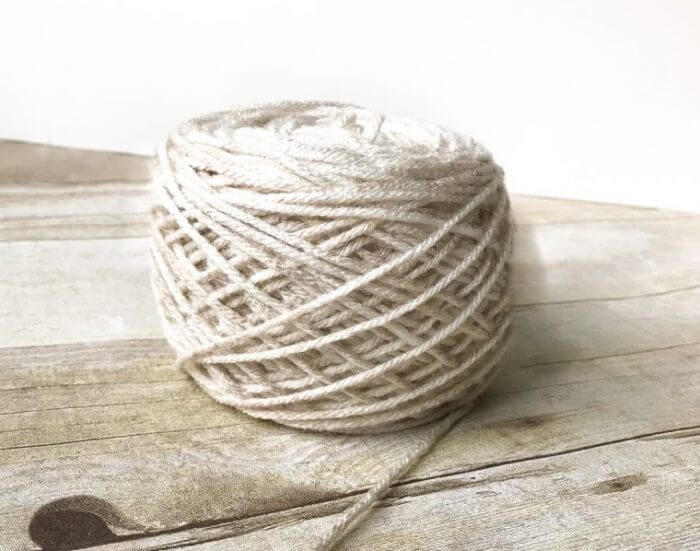
I did it! I solved the case of my wonky yarn cakes! I imagine others may have the same issue with their ball winders, so I thought I would put together a post on how to fix your yarn ball winder. You can see from the before-and-after images below that something was definitely off!
If your yarn winder isn’t winding correctly, keeps slipping, or is making crooked or uneven yarn cakes, the gears inside the winder may have slipped out of alignment. Luckily, this was a quick fix once I figured out what was causing the problem.
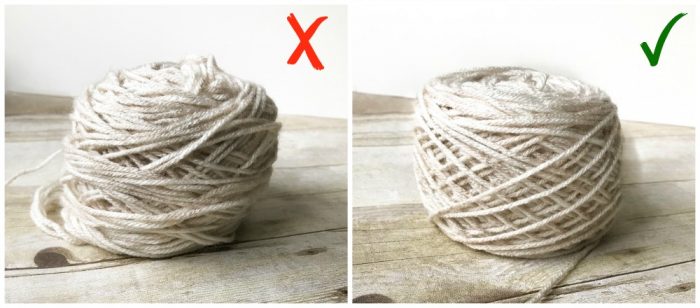
The particular brand I purchased is the Knit Picks Yarn Ball Winder, but I imagine many of them are built the same way. This ball winder is a little workhorse for me and, for the most part, does a great job winding yarn into nice little cakes. The first time I noticed the cakes not winding properly, I called Knit Picks, and they were very good about sending me a new ball winder. But then when it started happening again, I figured it must be something in the internal mechanism that needed adjustment, so I took the winder apart to see.
Keep reading to see how to fix your yarn ball winder.
Why Is My Yarn Winder Not Winding Correctly?
In my case, the problem was caused by the larger plastic gear slipping out of position and sitting on top of the smaller gear instead of meshing with it. Once I repositioned the gears so the teeth fit together properly, the winder worked normally again.
How to Fix Your Yarn Ball Winder
To fix your broken ball winder, you will first need to twist off the cone-shaped bobbin from the main base of the winder.
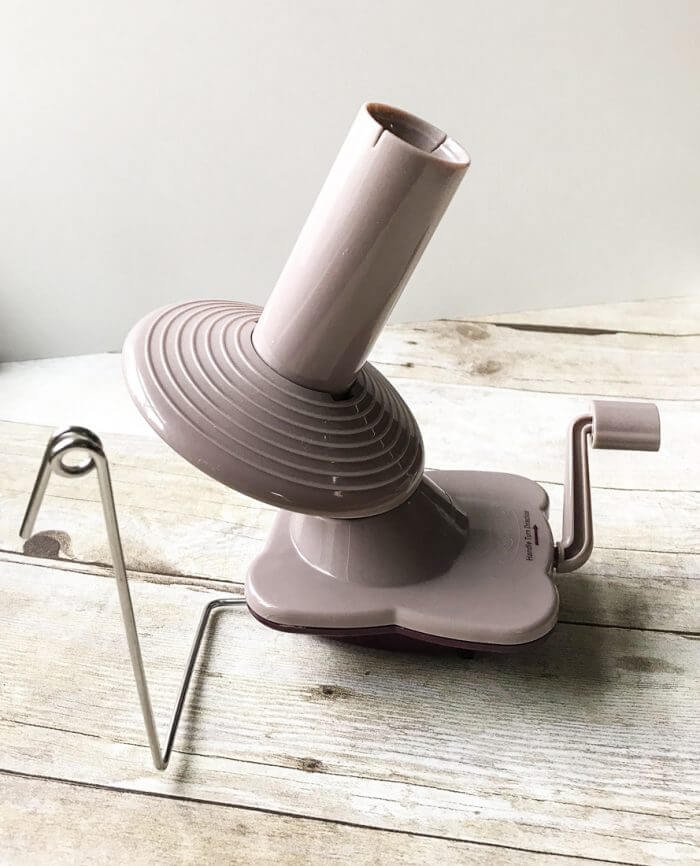
Next, use a Phillips-head tool to remove the screw from the plate beneath where the bobbin was removed, then remove the plate and set it aside.
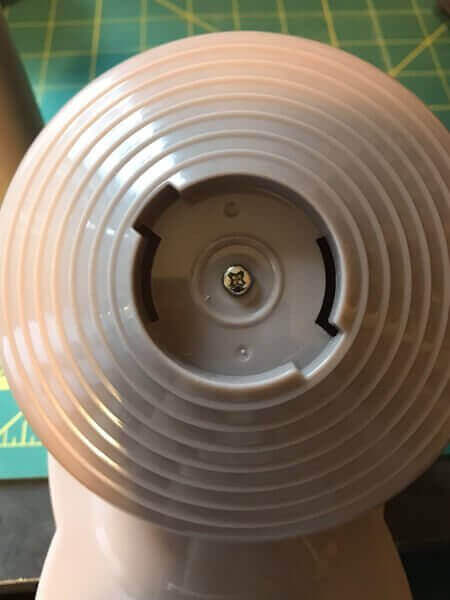
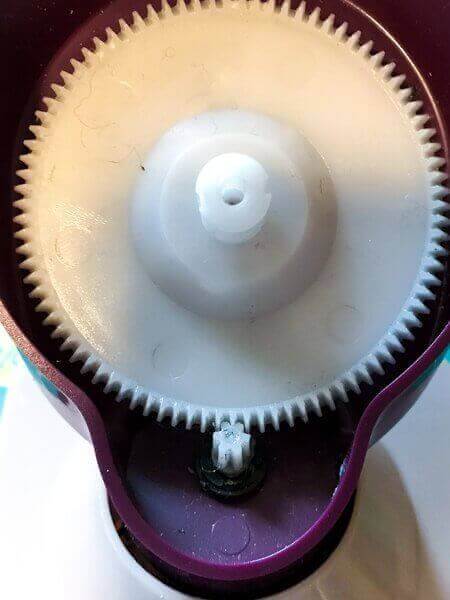
Ahhh … here was the issue! You see how in the photo below the larger plastic gear is sitting on top of the small gear? This is why the winder wasn’t winding properly. The gears should mesh so that the teeth fit together properly.
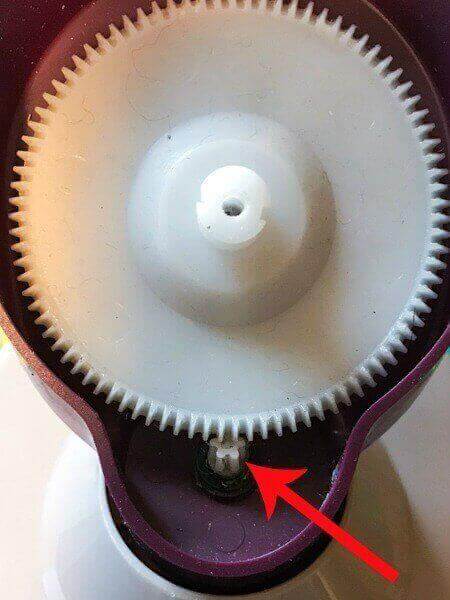
To fix this, gently push the larger gear back away from the smaller one and down until the teeth mesh. It should now look like this.
Now screw the top plate back on and replace the bobbin. All that is left is trying it out. Grab a hank or skein of yarn and wind it up. Perfect!
Have you had this problem? I would love to know if this helped fix it. Let me know in the comments below.
Now that you have your yarn cakes made, read my clever yarn hack for keeping them wound neatly and from turning into a tangled mess while in use or in storage!
You may also enjoy:


Thank you so much!! I was ready to throw out my brand new Knitpicks winder and go back to my old workhorse. I guess newer isn’t always better. Anyway, you identified the exact problem and I was able to fix. With the number of replies here, it looks like Knitpicks should be doing something about their manufacturing issue.
YES! Thanks for the excellent post and pictures – I took the winder apart and the gears were the issue!! I fixed the winder (knit picks) for my knitter wife of 15 years!! Needless to say when the winder was “broken” it was as if the world was ending and everything was my fault 🙂 and now hopefully I have a trick up my sleeve for the future. Thanks again!
Thank you. My husband opened it and we had an aha moment. It works great. You saved me from tossing it in recycling.
Bless you for this! I was ready to throw it out and it’s working beautifully now.
YES! You are amazing! your instructions were easy to follow- thank you so much! But also a shout out to KnitPicks who was more than happy to replace this before I fixed it!
You’re my hero, thanks!
Thank you sooo much! I have a different brand, but the same problem from the very beginning! Your solution worked. Woohoo! 🙂
I could hug you…I was so worried my winder was broken for good, but I found your post and it’s fixed now! Thank you thank you thank you!!!
Thank you! Your article was so helpful. Much appreciated!
Fixed it with your detailed post. I had to undo another screw as well to reposition the large wheel. Thank you. I was thinking the small gauge of the yarn I was winding had caused the problem.